



Spinaluna App: Mobile Casino Gaming
Online casinos already let players enjoy the gaming experience from the comfort of their own homes. The Spinaluna app gives our users even more freedom to choose how, when, and where to play. The mobile casino version has the same functionality, so you can activate bonuses, complete daily missions, cash out the winnings and enjoy other features of our platform from Android or iOS devices.



Spinaluna App Features
Our application is compatible with all operating systems and devices, so you can freely choose where you want to play. We consider your comfort, so it’s not a problem if you start spinning online slots from a computer and switch to mobile after a while. The Spina Luna app is a progressive web application (PWA), so it reflects the website’s functionality and design.
All account data syncs automatically upon login. Your current balance, gameplay history and other parameters are always up to date, no matter which device you choose to play on.
Here’s a Spinaluna Casino version comparison table so you can decide for yourself what suits your gameplay better.
| Aspect | Mobile app | Browser version |
| Access | Direct access with a tap on the branded icon from your home screen. | You need to open the browser and search for the Spinaluna website if you don’t have it saved. |
| Installation | Players can quickly install the Spina Luna app from the website. | As we mentioned, it opens through the browser, so you don’t need to install anything. |
| Speed | Fast loads and can work even on a bad internet connection, thanks to the caching function. | Also fast, but general performance depends on the browser and the internet connection. |
| Notifications | You can enable push notifications with the latest news and updates. | Players can subscribe to our email newsletter and also receive notifications, but only while you’re on the Spina Luna site. |
| Storage space | It’s a lightweight app that doesn’t need more storage space. | Doesn’t need any storage on your device. |
| Battery usage | Long gaming sessions may use up the battery a little faster. | Doesn’t affect the battery at all. |
The Spinaluna app also adapts to different screen sizes, so the quality of your games won’t suffer. Some titles are even better for smaller screens and touchpads.
Spinaluna App for Android OS
Android users can install our PWA without downloading it from the Play Store or other app stores. First, you need to open the Spina Luna Casino website in the browser that you use on your smartphone. Then you have two options:
- You can locate and click on the Casino App banner and download the application.
- You can open the three dots menu near the address bar and find the “Add to home screen” button to create a shortcut.
Either way, now you have the mobile version of the Spinaluna Casino. The app will match the interface to your device: the controls respond to touch, and you can scroll through the page without any issues. If you’re just registered on the platform and need to confirm your identity, you can upload your documents for the verification process right from your phone.
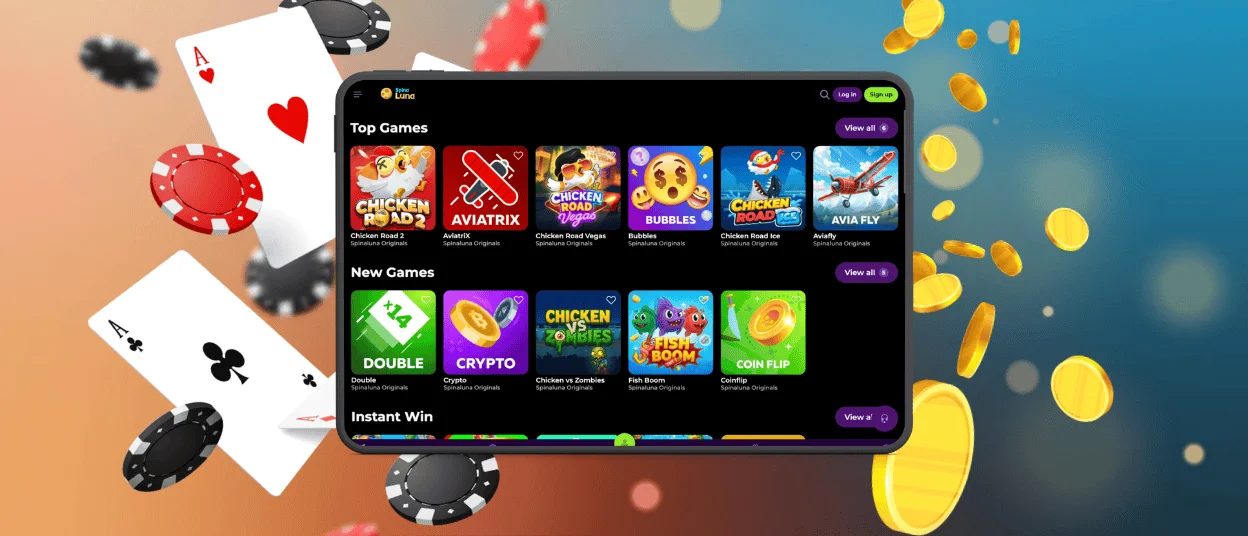
Spina Luna App – iOS
iPhone users can download and install our app in a similar way.
- Open the Spinaluna Casino website.
- Scroll down to find the Casino App banner.
- Tap it to transfer to the installation page and press “Install”.
It won’t take longer than a few minutes, and the Spina Luna Casino icon will appear on your home screen.
Our application uses the same security measures as the web platform, but you can add an additional safety level with Face ID or Touch ID. And if you don’t want to download the Spinaluna app, you can continue to play from your browser or create a shortcut.
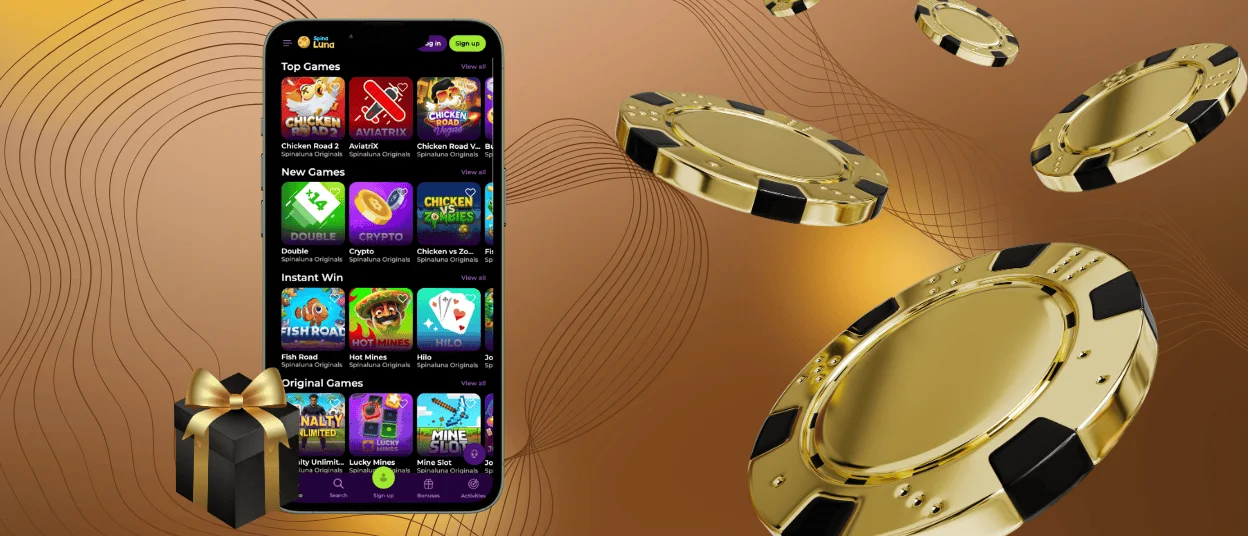
Desktop Version of Spina Luna Casino
One of the main advantages of PWA is that it can be installed not only on mobile devices but also on computers. Our app works seamlessly on Windows and macOS, so there are no restrictions for users of these operating systems. The desktop version is especially great for users who enjoy live casino games. You can install the Spinaluna Casino application on your computer to access it without opening the browser every time.
As well as for mobiles, you will need to click on the Casino App banner in the left-side menu on the Spina Luna website. Or you can tap the download icon in the address bar.
Device Compatibility
We specifically chose to develop the PWA because it is compatible with a wide range of operating systems. This allows our players to play however they prefer without being tied to any device. You can switch between an iPhone and a computer or an Android tablet and do anything, like make deposits and withdrawals, add games to favorites, set gaming limits, etc.
FAQ
Are all Spinaluna Casino games available in the PWA version?
There are no exceptions; all of the games from our collection are available in the app. You can also try the demos.
What should I do if the app crashes or freezes?
You can try reloading the application and clearing the cache. If that will not help, reach out to our support team via live chat or email.
How is a PWA different from a traditional casino app?
Native applications are usually separate software, are heavier in size, and you need to download them from the app stores and install them separately. You can consider PWA a version of a website that is optimized for mobile devices.


