



Spinaluna Login
You cannot get the full experience of playing at our online casino if you don’t have an account. New users can sign up in minutes from any device and complete the Spinaluna login to use all the features of our platform.



Spinaluna Registration Procedure
Players are allowed to have only one account and must be 18 or older to join the Spina Luna Casino. A profile gives you access to our 6,000+ game library, bonus offers and tournaments, and allows you to make deposits as well as cash out the winnings.
To register at the Spinaluna Casino, you need to tap the “Sign up” button in the top right corner of the web page. You will see the form where you need to write your valid email and a password. It must be 6 letters or longer. The final step is to confirm your age and agree to our terms and conditions. After that, press “Sign up” and submit the first form.
There’s also the second form that you need to fill in with your personal information. We at Spina Luna Casino need only essential details:
- Name and surname
- Date of birth
- Country and address
- Phone number
When the registration is complete, you can authorize and tweak your account as you like.
Changing Personal Data
We ask every newly registered Spina Luna player to complete an identity verification process as part of our Know Your Customer policy. That’s why you can’t change your personal details like date of birth, address, email and phone number (if you’ve already verified them) by yourself.
So, if you have moved to another address or anything, you can contact our support team to correct the Spinaluna profile info. But you can freely replace the generated username that you received during registration.
Spina Luna Login Steps
There’s nothing easier than logging in to your Spina Luna Casino profile.
- Open our website or app
- Tap the “Log in” button
- Enter your credentials
- Press “Login” at the end of the form
Now you can manage your game sessions, make financial transactions and enjoy your fun time at the Spinaluna Casino.
Login Problems & Troubleshooting
Here are some common Spinaluna login problems that our players encounter.
| The problem | Why does it happen, and how can it be resolved? |
| Logged out of the account | You can be automatically logged out of the account if the session time expires because you haven’t been active for some time. You can just enter your credentials and complete the Spinaluna login process again. |
| 2FA code not working | Google authentication codes change quickly, so if you didn’t enter it right away, you’ll need to wait for a new one. If it doesn’t work, reach out to our support team. |
| Incorrect password | It’s easy to forget the right password, especially when you don’t play often. You can reset it by clicking the “Forgot password?” line on the bottom of the Spina Luna login form. |
If you can’t resolve the situation you are facing on your own, don’t hesitate to contact our multilingual support team via live chat or email. The Spinaluna team works 24/7 and will help you with any issue.
Account Access
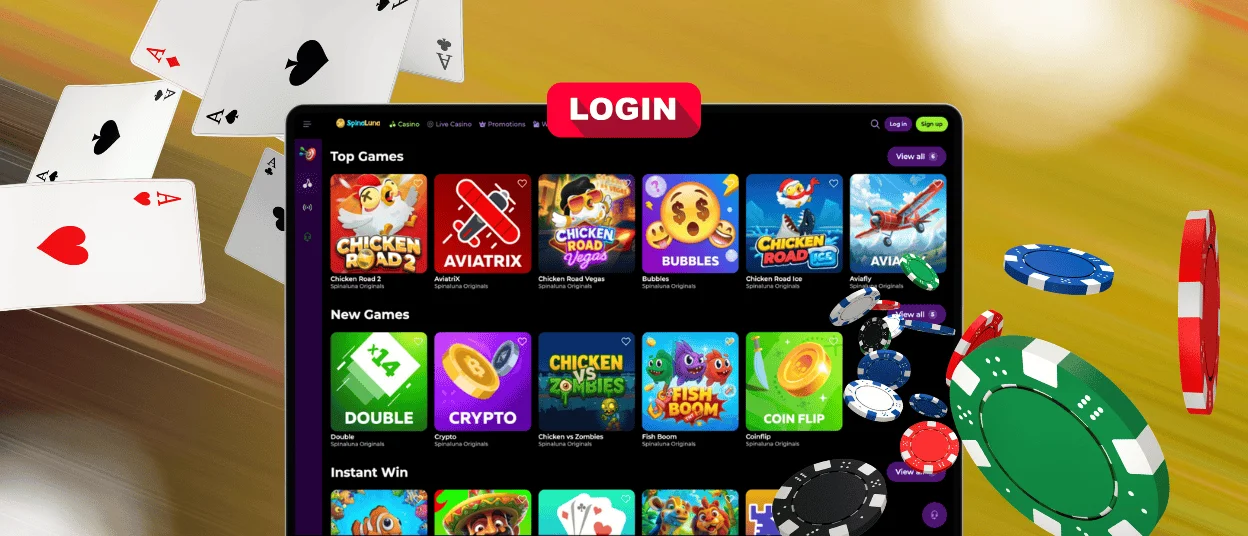
You can complete the Spinaluna login and access your account from any device. If you’re entering your credentials and cannot authorize on the first try, make sure you fill in everything correctly. Too many unsuccessful attempts can trigger our security system. If it happens, you may need to pass the CAPTCHA and wait for some time to try again later.
FAQ
Can I log in from multiple devices?
Yes, you can authorize from multiple devices, but not at once. Our system will simply not allow it if you are already authorized somewhere. We always monitor the Spinaluna platform for any suspicious activity and to find duplicate accounts. But if you somehow manage to do so, it will trigger our security, and we will suspend your account for further inspection.
How can I protect my Spina Luna account from unauthorized access?
Our platform allows two-factor authentication (2FA), so you can enable it in the profile settings to better protect your account. To do so, you need to open the “Security” section and click the “Enable 2FA” button.
What encryption standard protects login credentials?
We use 256-bit AES encryption and the TLS 1.3 protocol to protect your information. Besides, the Spinaluna Casino has login and transaction alerts, so you will get notifications for authorization and payment attempts.


